UnboxAKeyboard
Checked August 11, 2026

Unbox a Keyboard Tier List

A named S/A/B ranking would be guesswork today. Use the comparison method below to make a better decision with the numbers you can observe.

Ranking answer

Named rankings are on hold

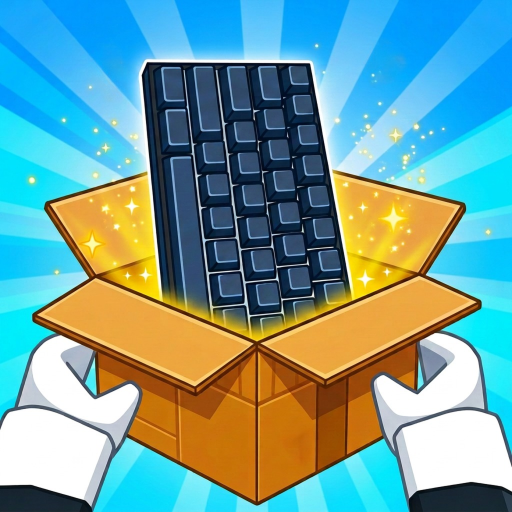
The official game description confirms collectible keyboards and collection upgrades. Official art confirms visual variety. It does not currently publish a named keyboard list, rarity table, income multipliers, crate path, or comparable performance data.

That means color alone cannot become an item name, and an eye-catching screenshot cannot become a tier.

This first screen ranking readiness answer includes comparison criteria, official visual evidence, a measurement workflow, and no made-up tier rows.
Comparison method

Five questions to ask before ranking a keyboard

Use these criteria in the same session and change one thing at a time.

1

Observed income contribution

Measure the same stable session before and after a keyboard or collection change.

2

Acquisition cost and effort

Compare the cash and time needed to get the option, not only how rare it looks.

3

Upgrade flexibility

Prefer choices that fit the collection progress you are actually building toward.

4

Replacement risk

A costly option can be weaker for your plan if the next unlock replaces it quickly.

5

Information quality

Do not give a keyboard a rank until its name, availability and relevant result can be checked.

Official game art

Visual records, not item names

These labels describe what appears in Roblox thumbnails. They are not creator-published names or rarity tiers.

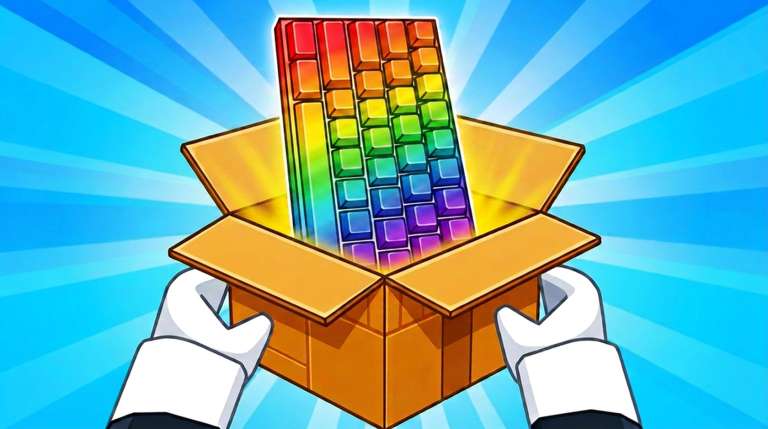
Rainbow keyboard shown in official Unbox a Keyboard game art
Official visual only

Rainbow keyboard (official name unknown)

Official thumbnail; official item name, rarity and stats unknown.

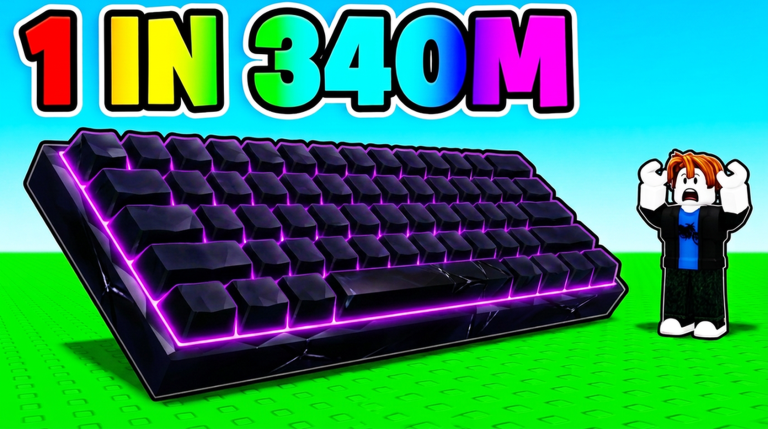
Purple-lit keyboard shown in official Unbox a Keyboard game art
Official visual only

Purple-lit keyboard (official name unknown)

Official thumbnail; promotional text does not prove current rarity or value.

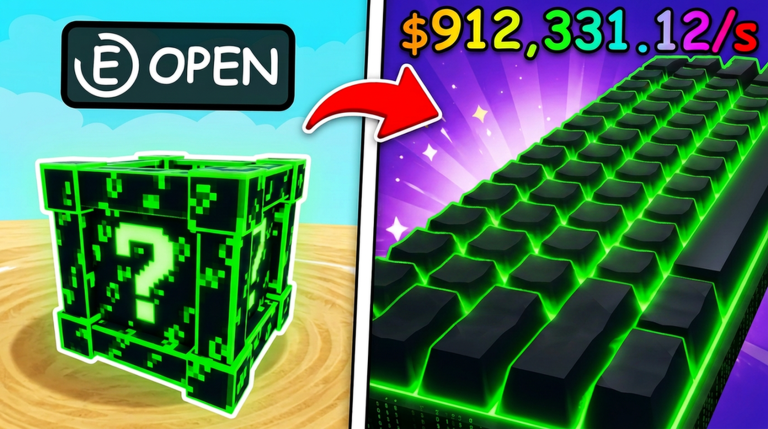
Green-lit keyboard shown in official Unbox a Keyboard game art
Official visual only

Green-lit keyboard (official name unknown)

Official thumbnail; its relationship to the pictured crate is not confirmed.

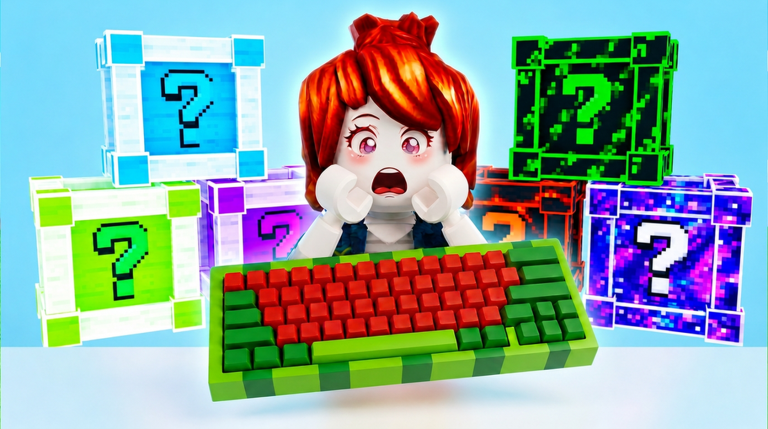
Red-and-green keyboard shown in official Unbox a Keyboard game art
Official visual only

Red-and-green keyboard (official name unknown)

Official thumbnail; availability, name and performance are unknown.

Player test

Make a comparison in three steps

  1. 1. Set a baseline. Record income per second without changing crates, workers, or upgrades.
  2. 2. Change one thing. Equip, place, or upgrade only the keyboard choice you are testing—if the game allows it.
  3. 3. Compare the payback. Enter before/after income and the relevant cost in the calculator.
Open break-even mode
Questions

Tier-list FAQ

What is the best keyboard in Unbox a Keyboard?

Current public game information does not provide enough named performance data for a trustworthy winner.

Why is there no S-tier list yet?

A letter rank would imply names, stats, rarity and acquisition facts that are not currently available.

How can I compare two keyboards now?

Keep the session conditions consistent, record the relevant before-and-after income, then compare the cost and payback in the calculator.

Keyboard recordsUse the calculatorCode statusUpdate statusOfficial links