UnboxAKeyboard
Collection guide

Keyboard List: What Is Verified So Far

An official visual-evidence gallery with an explicit list of missing names, rarity, stats and acquisition fields, plus collection measurement criteria.

Confirmed

What players can safely use

  • • Players purchase crates and unbox keyboards.
  • • Keyboards form a collection that can be upgraded.
  • • Official Roblox art shows several distinct visual designs.
  • • Workers and visible income are part of the wider progression loop.

Use the official visual-evidence gallery and collection measurement criteria below.
Still unknown

What a trustworthy list still needs

  • • Creator-published keyboard names and current availability.
  • • Rarity labels and a clear name-to-image match.
  • • Income multipliers, placement effects or upgrade interactions.
  • • The crate or progression path for each keyboard.

Names, rarity, stats, and acquisition fields remain explicitly missing.

Official Roblox thumbnails

Four visual records

The names below are plain visual descriptions. “Official name unknown” is part of every record.

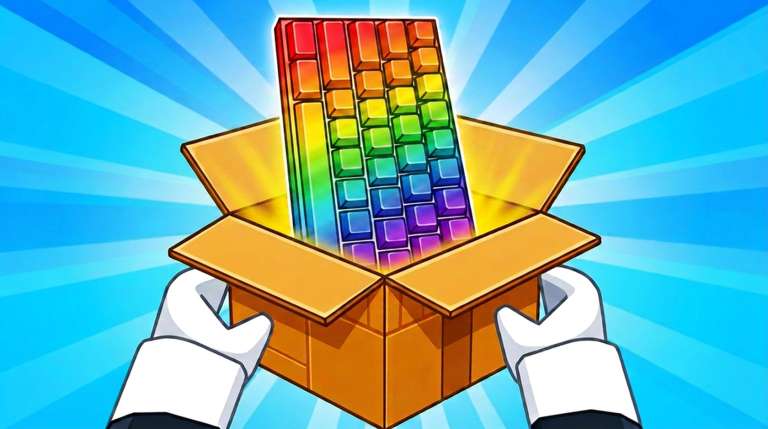
Rainbow keyboard shown in official Unbox a Keyboard art
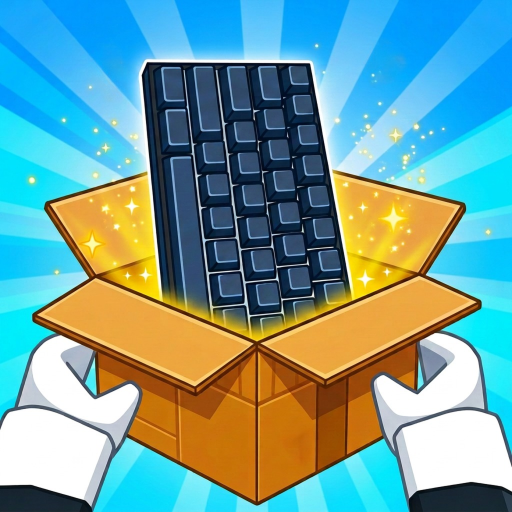
Official visual only

Rainbow keyboard (official name unknown)

Visible: A rainbow-lit keyboard rising from an orange crate.

Not published: Official name, rarity, income, availability and exact crate.

Purple-lit keyboard shown in official Unbox a Keyboard art
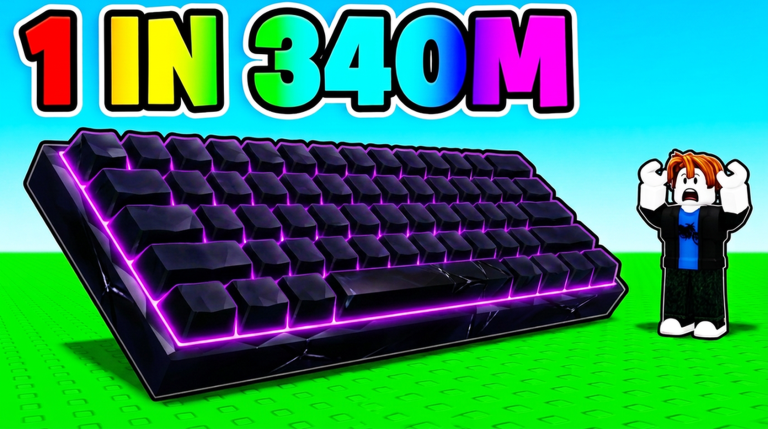
Official visual only

Purple-lit keyboard (official name unknown)

Visible: A purple-lit keyboard in promotional game art.

Not published: Official name, rarity, current stats and meaning of the promotional text.

Green-lit keyboard shown in official Unbox a Keyboard art
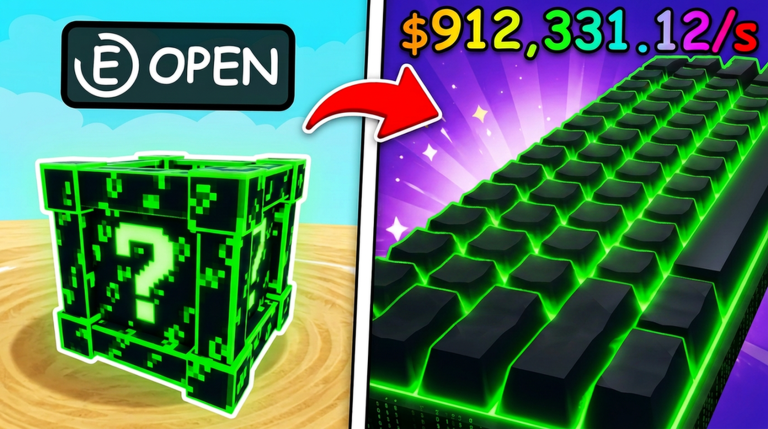
Official visual only

Green-lit keyboard (official name unknown)

Visible: A green keyboard shown beside a green mystery crate.

Not published: Official name, stats, rarity and whether the pictured crate is its source.

Red-and-green keyboard shown in official Unbox a Keyboard art
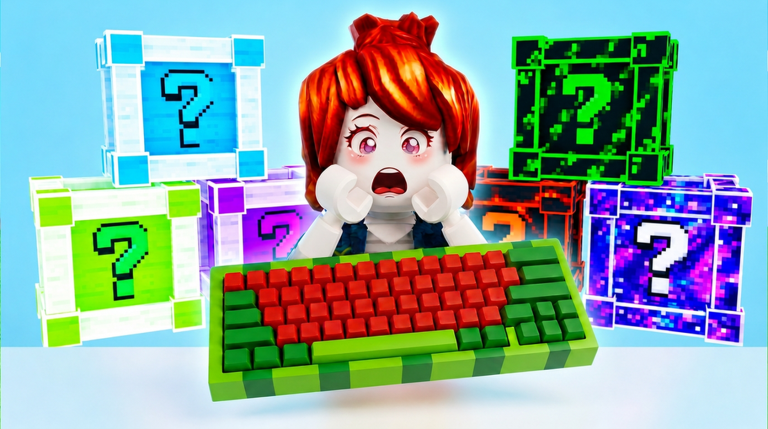
Official visual only

Red-and-green keyboard (official name unknown)

Visible: A red-and-green keyboard among several colored crates.

Not published: Official name, availability, stats and crate relationships.

Compare your collection

Use a controlled before-and-after check

  1. 1. Hold the session steady. Avoid changing workers, collection upgrades and crates during the test.
  2. 2. Record the baseline. Note current income per second or the specific visible result you care about.
  3. 3. Change one keyboard-related choice. If the game lets you compare it, record the new result under the same conditions.
  4. 4. Include cost. A larger gain may still be a worse short-term choice if its payback is too long.
Compare the payback
Questions

Keyboard FAQ

Is there a complete Unbox a Keyboard keyboard list?

Not yet. The official game confirms a keyboard collection, but the checked public pages do not expose a named catalog.

Do keyboard colors show rarity?

No. Color in official art proves appearance only; it does not publish rarity, stats or value.

Which keyboard is best?

There is not enough named comparable data for a trustworthy winner. Measure the same result before and after a change instead.

When should individual keyboard pages be added?

Only after a current source provides distinct names, acquisition information and enough useful details to answer a player question.

Explore the wiki hubComparison methodUse the calculatorCrate guide